OpenHuman AI Agent Setup Guide (2026): The Open Source AI With a Memory You Can Actually Read
On this page
Every AI assistant you've used has amnesia. New chat, blank stare — re-explain your job, your clients, your projects, again. The tools that do claim memory keep it in a black box on someone else's server: you can't see what they stored, can't fix what they got wrong.
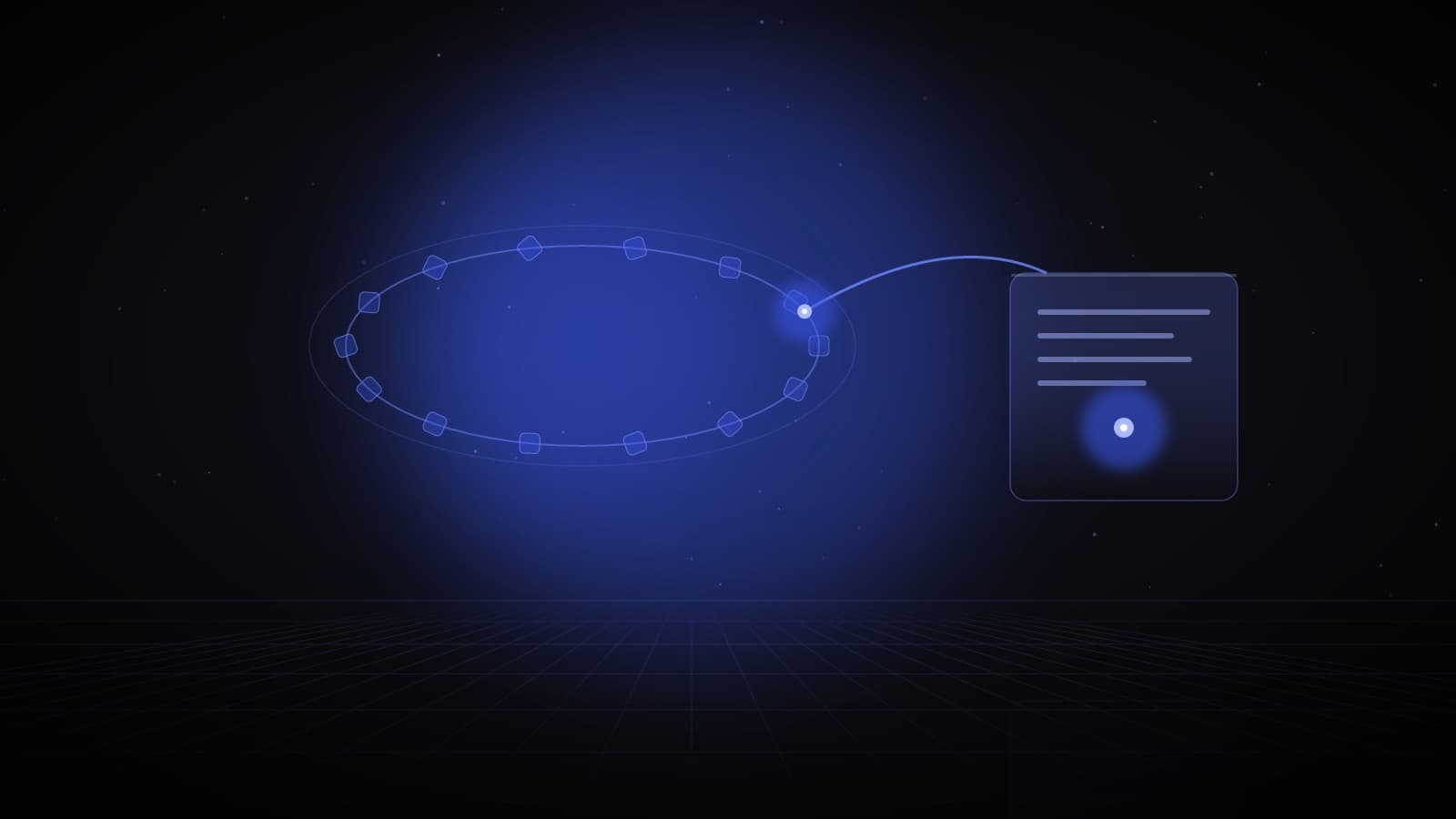
OpenHuman flips that. It's a free, open source AI agent that lives on your machine, quietly reads your connected tools every 20 minutes, and writes what it learns into markdown files you can literally open — in Obsidian, in any text editor, line by line.
This OpenHuman AI agent setup guide covers what it actually is, the full install walkthrough, real workflows I'd actually run, and an honest comparison against Hermes Agent and Claude Code. If you came from my reel — this is the deep dive.
How the Memory Tree works
- Gmail
- Slack
- GitHub
- Calendar
100+ one-click OAuth connections
Every 20 minutes
New mail, messages, commits, events — pulled on their own
Scored markdown chunks
Per-source · per-topic · per-day summaries, in SQLite on your machine
Plain files, open in Obsidian
Edit a note by hand — the agent sees your version
What OpenHuman Actually Is
OpenHuman is a desktop AI agent by TinyHumans — a Rust core with a clean desktop app on macOS, Windows and Linux, open source under GPL-3.0. It launched in beta on May 13, 2026, hit #1 product of the week on Product Hunt, and sits at roughly 36,000 GitHub stars as I write this — about triple where it was two weeks after launch. The trajectory is real.
The pitch is one sentence: most AI agents start every session cold; OpenHuman starts every session already knowing you. Three pieces make that work:
- Integrations. The README claims 100+ one-click OAuth connections — Gmail, Slack, GitHub, Notion, calendars — plus 5,000+ MCP servers for everything else. Connect once, done.
- Auto-fetch. Every 20 minutes it walks your connected tools and pulls what's new: mail, messages, commits, events. You don't feed it. It feeds itself.
- The Memory Tree. Everything it ingests gets distilled through a deterministic pipeline — clean markdown, chunks capped around 3k tokens, scored for importance, folded into per-source, per-topic and per-day summaries — stored in SQLite on your machine and mirrored as an Obsidian-compatible vault. Their docs credit the design to Andrej Karpathy's personal-wiki workflow: every interesting thing in your life becomes a linkable note.
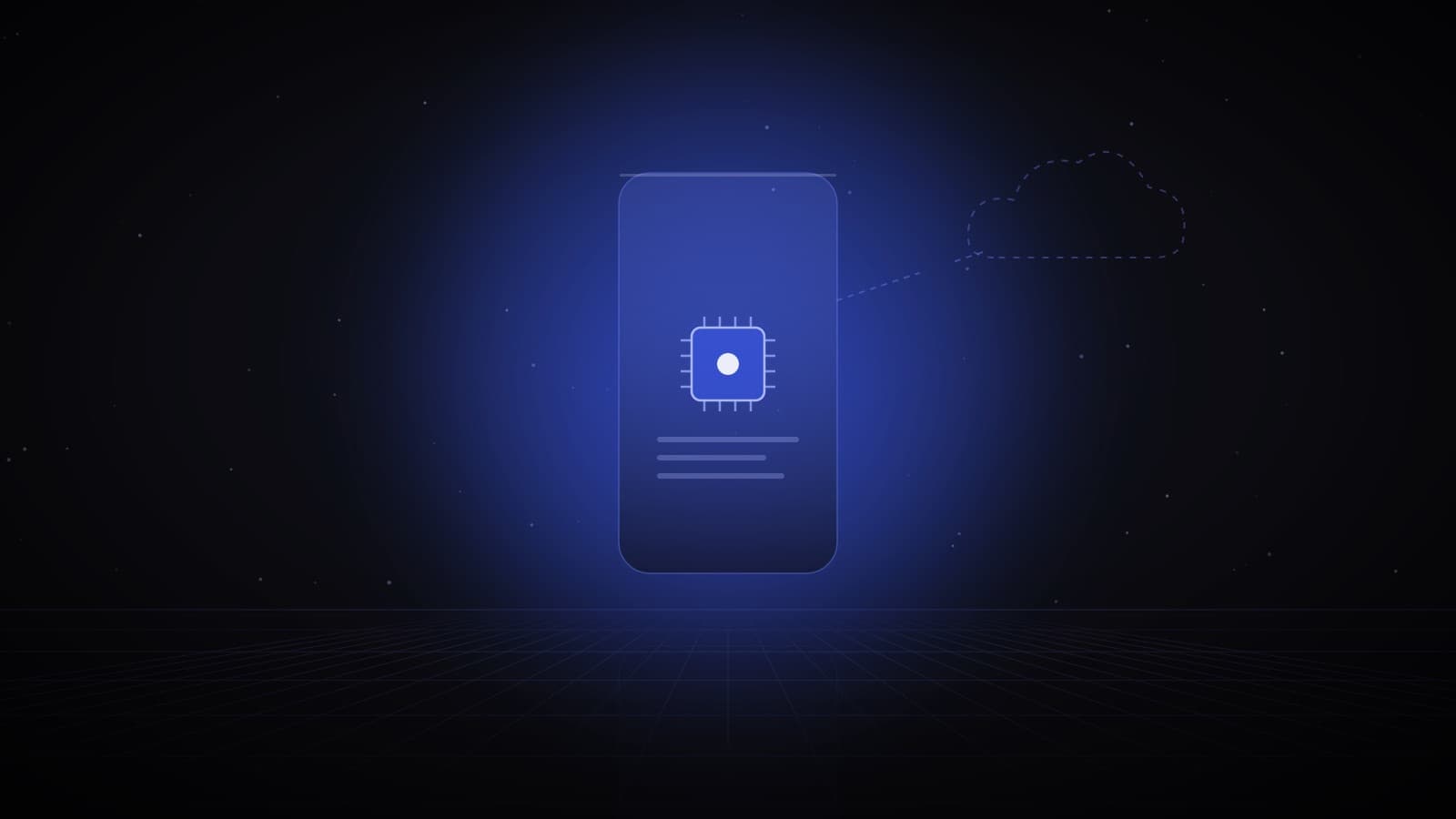
For the model layer you choose: their managed subscription with automatic model routing, your own API key, or a fully local Ollama model. There's a Privacy Mode switch that stops any inference from leaving your machine — enforced in the Rust core, not by a settings promise.
One thing to hold onto: this project moves fast. It's on v0.63.9 as I write, shipping updates weekly. Numbers in this guide were verified today and will drift — the live repo is the source of truth.
Why "Readable Memory" Is the Big Deal
This is the part that made me write a whole article.
Almost every AI memory system works the same way: your data gets shredded into embeddings — long strings of numbers — and stored in a vector database. That approach works, but you can't audit it. You cannot open a vector database and check what the AI believes about you. When it's wrong about something important — a client's budget, a deadline, which project died last quarter — you can't find the error, and you can't correct it. You just watch the agent be confidently wrong and start a new chat.
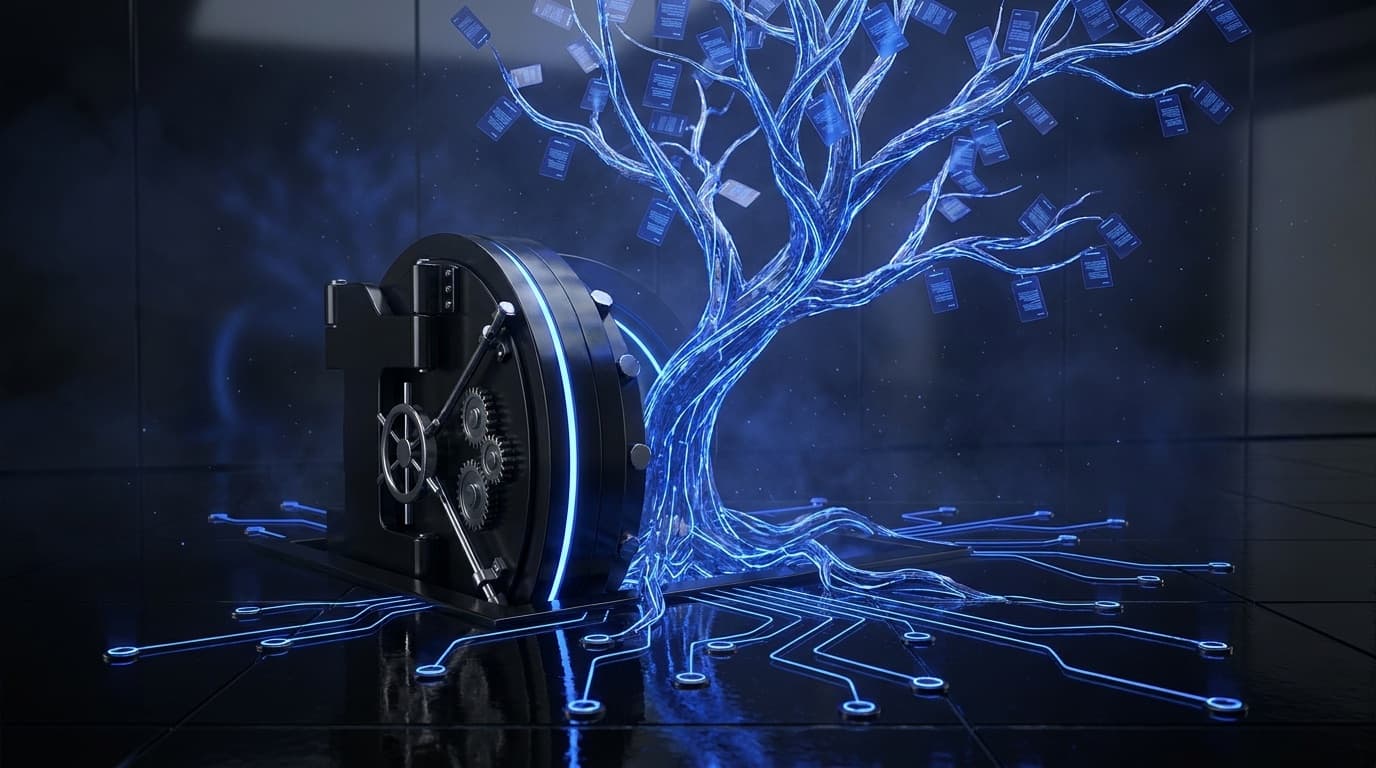
OpenHuman's Memory Tree is the opposite bet: memory as plain markdown files in a folder. That buys you three things vector stores can't offer:
- You can verify it. Open the vault, read what it knows. The gap between "trust me" and "see for yourself" is the entire trust problem with AI, solved with a file manager.
- You can edit it. Wrong fact? Fix the note like you'd fix any note. The agent sees your version — the docs are explicit that hand edits are respected. You are the senior editor of your own AI's brain.
- You own it in the most literal sense. Markdown in SQLite on your disk survives the company pivoting, the API changing, or you leaving. Worst case, you're left with a beautifully organized wiki of your own life that opens in Obsidian forever.
I spend my working life telling real estate clients that owning your lead data beats renting it from a portal. This is the same argument, aimed at your own context: readable, editable, portable memory is ownership; opaque embeddings on a server is renting.
OpenHuman Setup Guide: Install to First Memory
Time budget: ~10 minutes of clicking, then one coffee while the first fetch runs. No code required.
Step 1 — Download the installer
Go to tinyhumans.ai/openhuman or the GitHub releases page and grab the build for your OS — signed installer on macOS and Windows, AppImage or .deb on Linux; Homebrew and AUR exist if you're that person.
The security minute (worth taking): this is beta software you're giving real account access to, so install like an adult. Prefer the signed installers over any pipe-a-script-to-terminal shortcut. If you do use an install script, open its URL and read it before running — that's the maintainers' own guidance, and it's standard security advice for every project, not a knock on this one. And only bypass a Gatekeeper/SmartScreen prompt when you're sure the download came from the official repo. Extra cautious? First run on a machine that isn't your daily driver.
Step 2 — First launch: pick your model setup
On first run you choose where intelligence comes from: the default subscription (it routes each task to a suitable model), your own provider API key, or local-only via Ollama. Starting rule of thumb: default if you want zero friction, Ollama if privacy is the whole point for you — you can change it later. This is also where you'll see the Privacy Mode switch.
Step 3 — Connect your first account
Open integrations, pick Gmail (the classic first connect), and approve the OAuth screen in your browser — the standard "sign in with Google" flow, no passwords typed into the app, tokens live in your OS keyring. Add Slack, GitHub and your calendar once Gmail works.
Step 4 — Let the first auto-fetch run
Now do nothing. The first cycle ingests your backlog and builds the initial tree; after that it tops itself up roughly every 20 minutes. This is the moment the tool goes from empty to yours — the same brief, weird feeling as watching a new CRM import your whole pipeline.
Step 5 — Open your own brain
Find the memory vault (the app shows it, and it's a folder of markdown on disk). Browse it in the built-in viewer, or point Obsidian at the folder and watch your last two weeks appear as a linked wiki — daily summaries, topic notes, per-source trees. Then do the thing that makes the whole architecture click: edit a note. Fix a wrong fact. Ask the agent about that topic. It answers from your corrected version.
What You Can Actually Do With It
Five workflows worth stealing — each assumes a few days of memory built up:
1 — The Monday briefing. "From my email, Slack and calendar: what did I not finish last week, what's due this week, and which three people am I slowest to reply to?" A stateless chatbot cannot answer this at all. An agent with a week of auto-fetched memory answers it in one shot.
2 — Research → report → send. "Research the three CRMs my team discussed in Slack this month, compare them against what we said we need, write a one-page recommendation, draft the email to the team." Deep research plus your context plus an action — approval gate before anything sends.
3 — The inbox distiller. "Every day at 6pm, summarize today's email into five bullets, flag anything involving money or deadlines, and file the summary as a note." The output lands in the same vault, which compounds: next week's questions get answered partly from this week's distillations.
4 — Cross-tool recall. "A client mentioned a budget number on a call in June — find every mention of it across email and Slack since, and tell me if anyone quoted a different figure." This is the memory demo: questions whose answer is smeared across four tools and six weeks.
5 — The comparison demo (from the reel). Give the same multi-step task — "research this topic, write a summary, prepare an email" — to OpenHuman, Hermes Agent and Claude Code, and watch three different species do their thing. OpenHuman leans on what it knows about you, Hermes builds itself a repeatable procedure, Claude Code treats it like an engineering ticket. Which brings us to:
OpenHuman vs Hermes Agent vs Claude Code
The honest version is that these three are barely competitors — they're built for different jobs, and picking the wrong one for your job is the actual mistake:
| OpenHuman | Hermes Agent | Claude Code | |
|---|---|---|---|
| Built for | Personal agent with persistent memory of you | Autonomous task automation that self-improves | Serious coding in real repos |
| Memory model | Readable Memory Tree — markdown + SQLite on disk | Long-term memory + self-written "skill documents" | Project memory + persistent memory dirs per project |
| Superpower | Auto-fetches 100+ tools every 20 min into one context | Learns a procedure once, reuses it — gets better with runtime | Deep codebase work: multi-file edits, tests, terminal, git |
| Maker · license | TinyHumans · GPL-3.0 | Nous Research · MIT | Anthropic · free CLI, paid models |
| Runs | Desktop app (Rust/Tauri), local-first | Your machine or server, persistent process | Terminal, desktop, web, IDE |
| Pick it when | You want an AI that knows your life and acts in your tools | You want hands-off recurring automations that compound | You ship software |
My take after mapping them: the reel framing of "which one wins" is the wrong question. OpenHuman is trying to be your second brain. Hermes is trying to be your tireless employee. Claude Code is trying to be your best engineer. I run a coding agent daily and can see a personal agent earning a permanent slot next to it — the overlap is maybe 20%.
Honest Limits
- It's early beta and says so. The repo's own words: "Under active development. Expect rough edges." Version 0.x, weekly releases. Expect occasional broken fetches, UI oddities, and breaking changes between versions.
- Big claims, young project. The billion-token memory ceiling and 80% context-compression figures come from the project itself; independent benchmarks don't really exist yet at this age. Directionally credible, not yet independently proven — hold them loosely.
- The trust surface is real. Any agent you OAuth into your email can read your email; that's the deal with every tool in this category, and open source means you can at least audit what happens next — most competitors don't offer that. Grant scopes gradually: start with one low-stakes account, expand as trust builds.
- Memory quality depends on your digital hygiene. If your inbox is chaos, your Memory Tree will be beautifully organized chaos. It compresses what exists; it doesn't invent order.
- Fast-moving target. Screens in this guide will age. Star counts, versions and integration lists were verified on publication day — check the live repo before quoting me.
None of that changes the direction. Readable, local, user-editable AI memory is the correct architecture for anything calling itself personal, and this is the first serious open source attempt at it — the same shift toward owning your AI stack that's reshaping what work even looks like.
Where This Fits
My rule for new AI tools hasn't changed since the Design Arena guide, and it runs through all my AI tool guides: test free, adopt narrow, expand only when it earns it. For OpenHuman that means: install, connect one account, live with the Monday-briefing workflow for two weeks, and read your own vault — if the memory it builds is accurate enough to trust, wire in more of your life. If you're building income around AI tools, being early and fluent on the personal-agent wave is exactly the kind of edge that compounds. For how OpenHuman compares with the personal agents Apple, Google, Meta and Microsoft launched in 2026, see personal AI agents across devices.
Found this useful? I break down AI tools like this — what's real, what's hype, how to actually use them — on Instagram at @shaffay_bajwa, and the free WhatsApp community (link in my Instagram bio) is where the discussion happens. If you want AI-powered marketing systems built for your business instead of DIY, that's what WIYO Marketing does — start a conversation anytime.